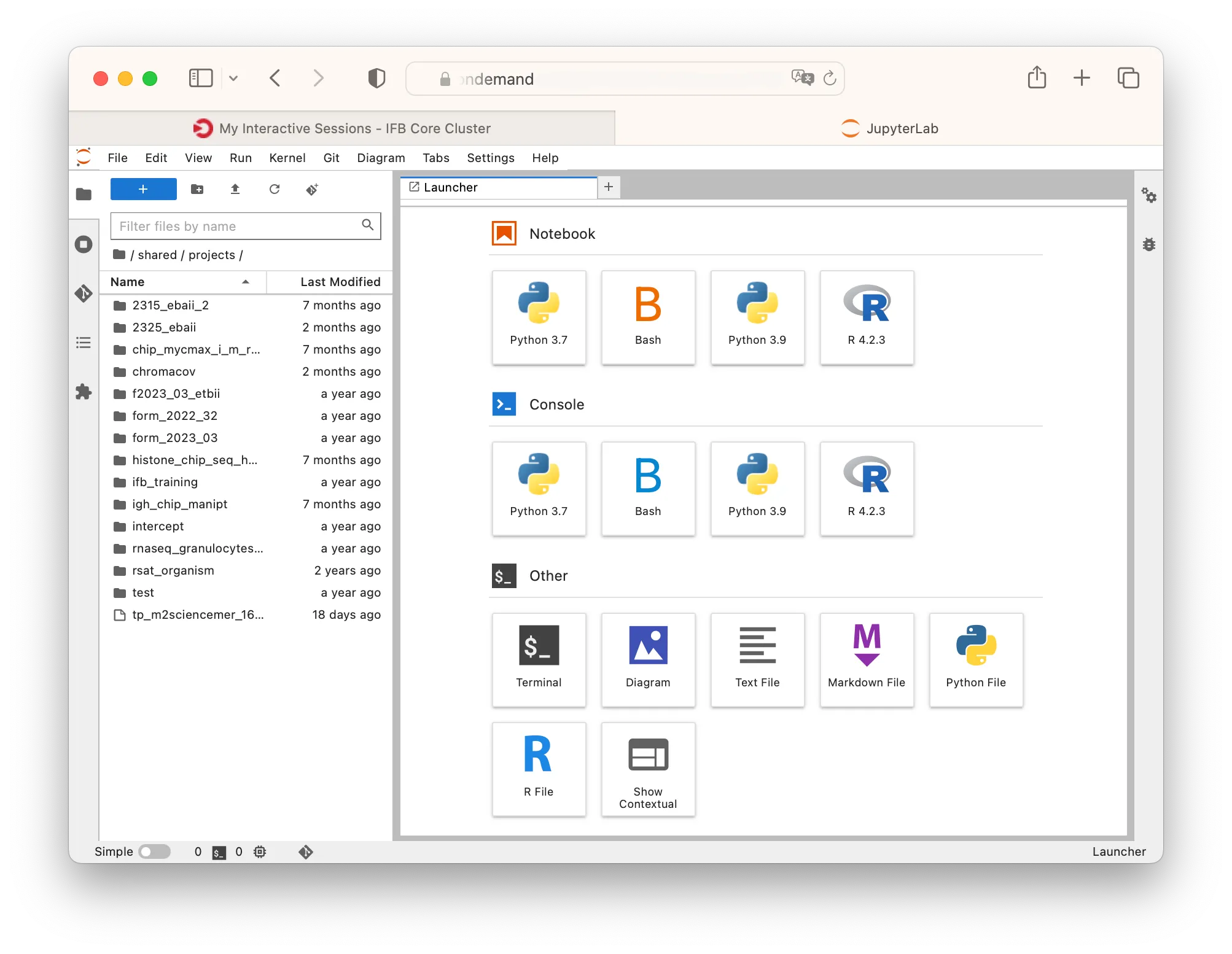
Starting a JupyterLab session
The JupyterLab environment lets you create and run Python, R and Bash notebooks and access a Unix terminal.
You can also install your own JupyterLab kernel with custom libraries.
JupyterLab is the ideal environment for interactive data analysis, including machine learning.
Select the “JupyterLab” choice from the Interactive apps menu.
You can choose the cluster resources you need for your JupyterLab session. Such as project account, partition, number of CPUs, amount of memory.
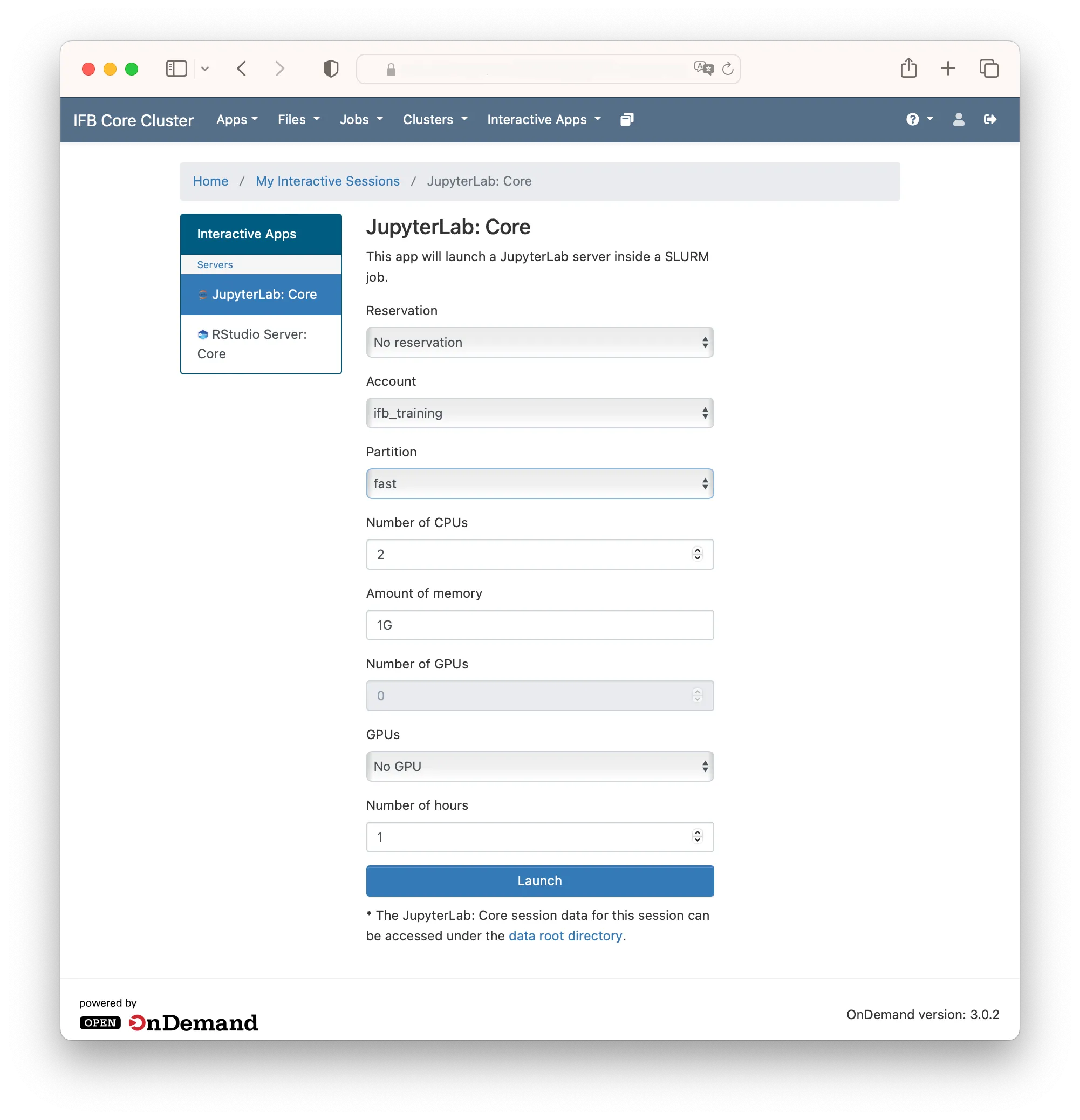
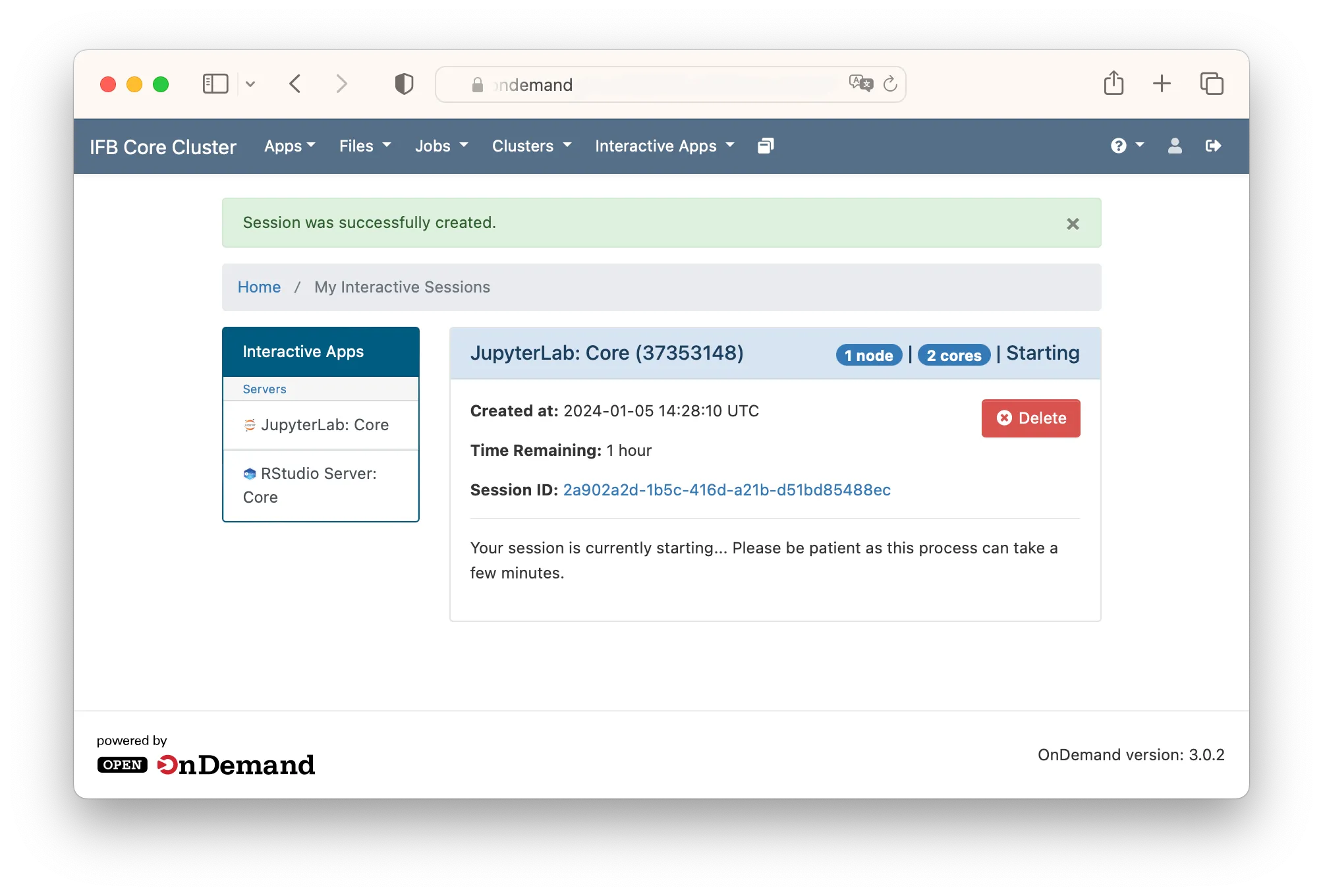
Click Launch to submit the JupyterLab job to the queue. The wait time depends on the current load of the cluster. Requesting smaller, shorter jobs may facilitate shorter wait times.
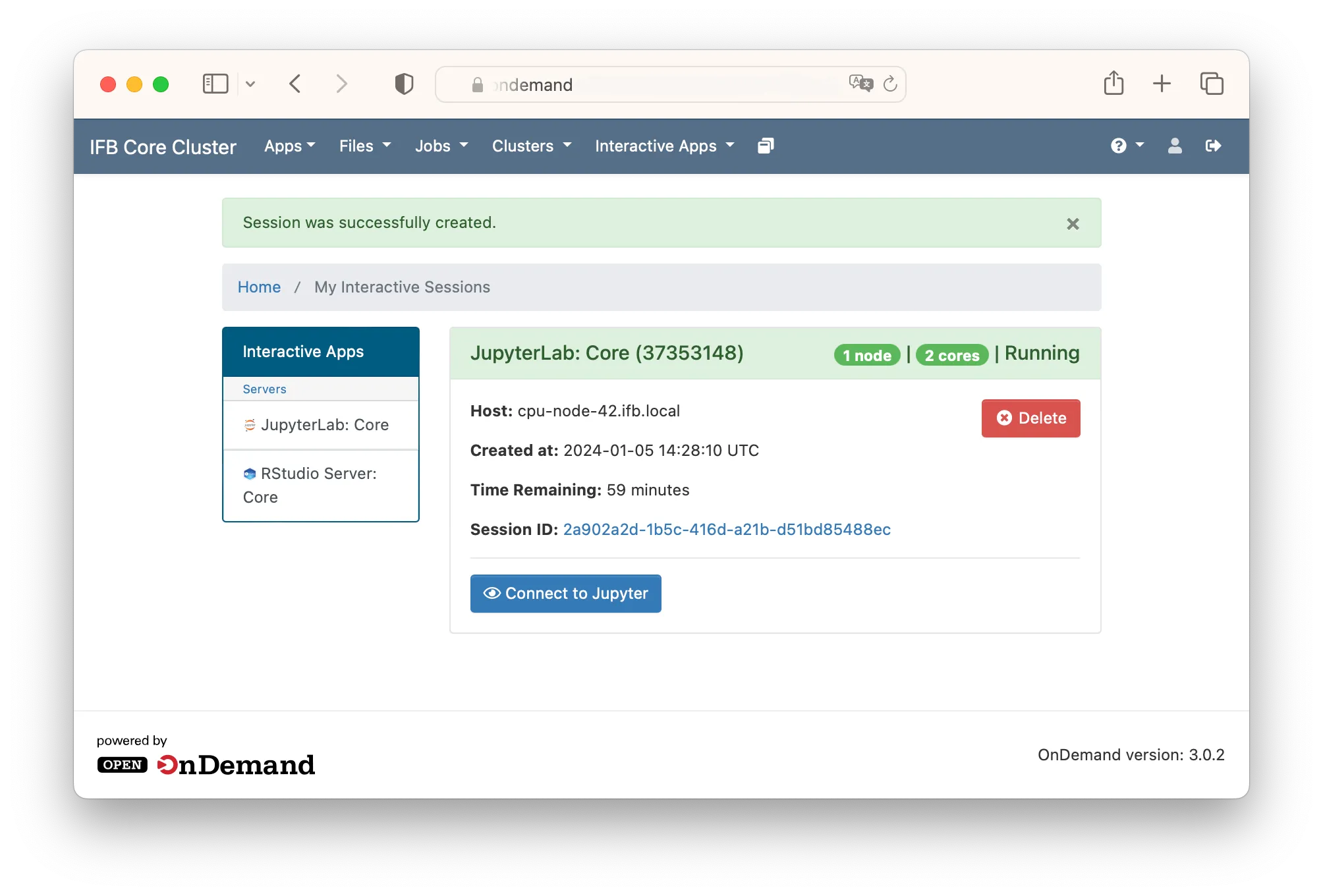
When JupyterLab is ready (running) click on “Connect to Jupyter”. Your JupyterLab session will be opened in a new tab.
The JupyterLab launcher offers a collection of notebook editors, consoles and application like a Unix terminal, a diagram or text editor.